The original Avaritia Mod is a Minecraft: Java Edition mod, so its download is a single .jar file that Minecraft Forge loads at startup. Before you grab it, it helps to know exactly what that file is, which version of the game it belongs to and what else you need. This guide covers all of that in plain language.
What file the download gives you
The download button on our Download section points straight to the file hosted on CurseForge for the original Avaritia project (project ID 233785). According to the CurseForge file listing, that file is:
| Detail | Value from the source listing |
|---|---|
| File name | Avaritia-1.13.jar |
| Minecraft version | 1.7.10 (Java Edition) |
| File size | 1010.6 KB |
| Upload date | January 12, 2018 |
This is the classic 1.7.10 build that many long-running modpacks were designed around. It is not a launcher, an installer or a Bedrock add-on — it is a Forge mod file.
What you need before downloading
Minecraft: Java Edition
You need a working copy of Minecraft: Java Edition. The .jar file will not do anything in Bedrock Edition, Pocket Edition or console versions. If that is the version you play, read our Bedrock and Minecraft PE guide first.
Minecraft Forge for 1.7.10
Avaritia 1.13 is a 1.7.10 Forge mod, so you need a Forge profile or instance for Minecraft 1.7.10. Launchers such as the official launcher (with the Forge installer), the CurseForge app or Prism Launcher can all create one.
A suitable Java runtime
Forge for 1.7.10 is an older platform and is generally run on Java 8. Newer launchers often handle this for you, but if the game refuses to start after adding Forge, the Java version is one of the first things to check.
Mod files are tied to a specific Minecraft version. A 1.7.10 mod will not load in a 1.12.2, 1.20.1 or 1.21 instance. For newer versions, see our guides on Avaritia for 1.20.1 and Avaritia for 1.21.
How to download it
- Go to the Download section on our homepage.
- Press Download Avaritia Mod. Your browser will request the file directly from CurseForge.
- When the download finishes, check the file name. It should be
Avaritia-1.13.jar. - Do not double-click the file. A mod
.jaris not a program you run — it goes into themodsfolder of your 1.7.10 Forge instance.
The full setup, step by step, is in our installation guide.
Download safety checklist
- Stick to the original source. Re-uploads on random file sites can be outdated, renamed or bundled with something else.
- Check the name and size. The listing shows
Avaritia-1.13.jarat roughly 1 MB. A file that is very different deserves a second look. - Scan it if you like. Running any download through your own antivirus is a sensible habit.
- Back up your worlds. Adding or removing content mods can change world data. Copy your
savesfolder first. - Use a separate instance. Keeping a dedicated 1.7.10 profile avoids clashing with your newer setups.
After the download: what to expect in game
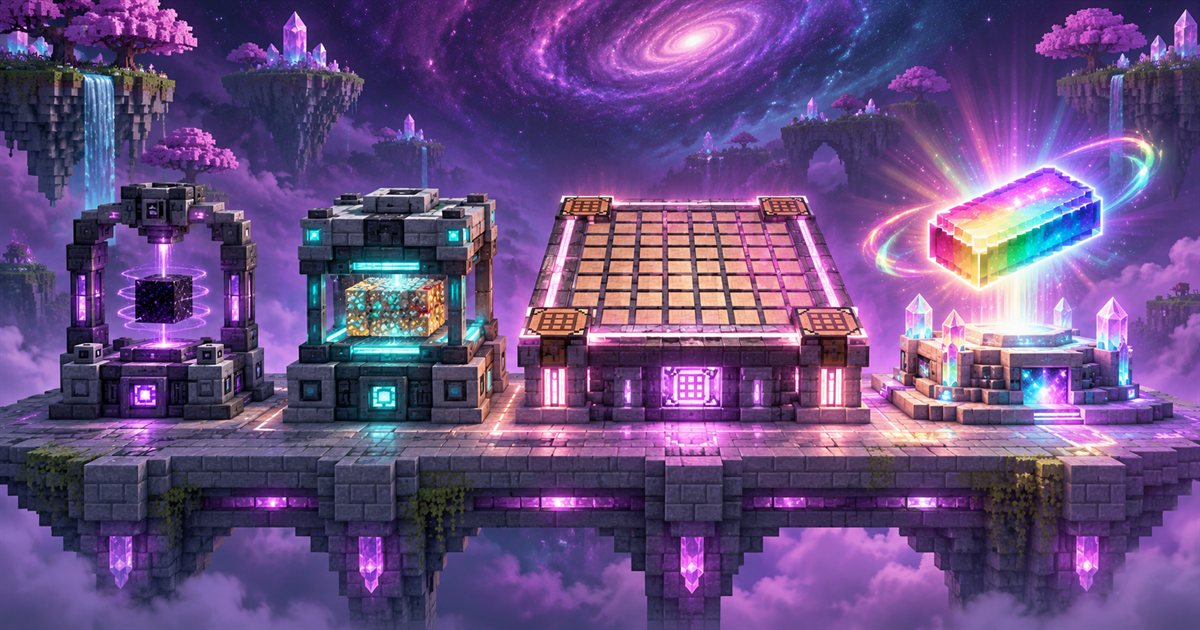
Once installed, Avaritia adds a long, expensive endgame: the 9×9 Extreme Crafting Table, the Neutron Collector, the Neutronium Compressor and singularities, the Infinity Catalyst and ultimately the Infinity Ingot and Infinity gear. Our progression guide walks through that path in order.
Looking for a newer Minecraft version?
The original author did not update the mod beyond 1.7.10. With permission, an updated line called Avaritia (1.10+) was released by other developers for versions 1.10.2 through 1.12.2 and later 1.18.2. Community remakes such as Re:Avaritia and AvaritiaNeo target even newer releases. These are separate projects with their own files, so always download the build that matches your game version. Our Re Avaritia guide and Modrinth guide explain where to find them.
Ready to play the original Avaritia on Minecraft Java 1.7.10?
Download Now