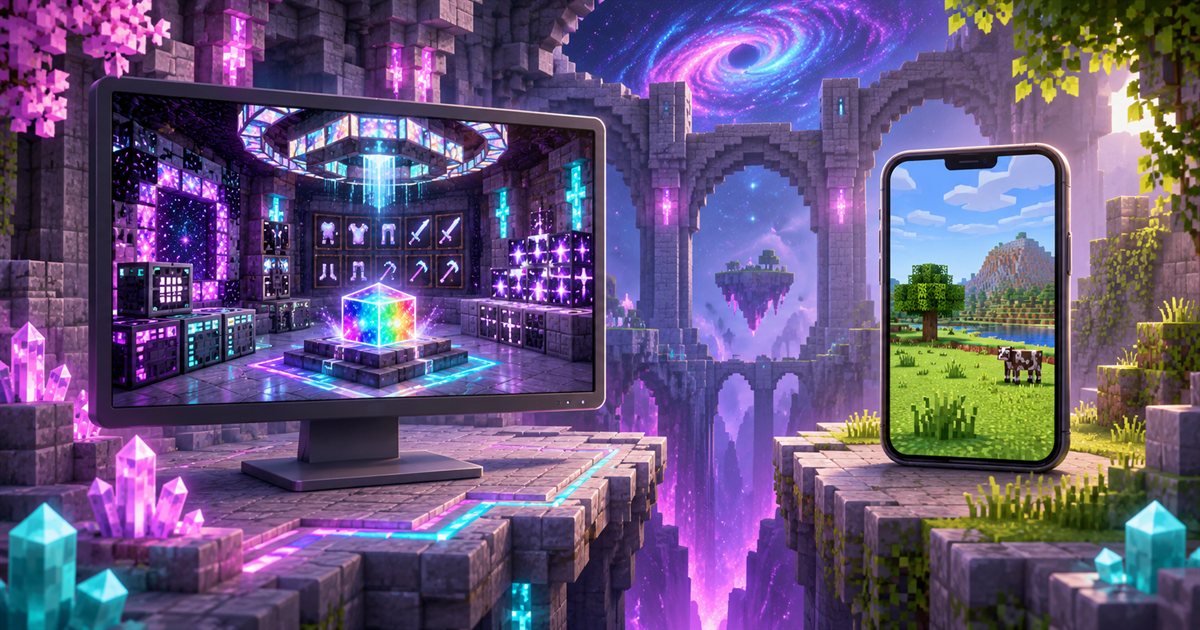
"Avaritia mod Bedrock" and "Avaritia mod Minecraft PE" are popular searches, so it is worth being clear: the Avaritia Mod linked on this site is a Java Edition Forge mod. It cannot be installed on Bedrock Edition, Pocket Edition (PE) or console versions of Minecraft.
Why a Java mod cannot run on Bedrock
Minecraft has two main editions built on different code bases:
| Java Edition | Bedrock Edition (incl. former PE) | |
|---|---|---|
| Typical platforms | Windows, macOS, Linux computers | Mobile, consoles, Windows |
| Mod format | .jar mods loaded by Forge, NeoForge or Fabric | Add-ons, behaviour packs and resource packs (e.g. .mcaddon, .mcpack) |
| Avaritia 1.13 file | Works with Forge 1.7.10 | Not supported |
A Forge mod is compiled Java code that hooks into the Java Edition game. Bedrock simply has nothing that can load it.
What about "Minecraft PE"?
Minecraft Pocket Edition was the original name of the mobile version, which is now part of Bedrock Edition. Everything above applies: there is no way to place a Java .jar mod into the mobile game.
Avaritia-style Bedrock add-ons
You may find Bedrock add-ons inspired by Avaritia's ideas, such as big crafting tables or infinity-themed gear. Keep in mind:
- They are separate creations, not the original mod or a port of it.
- Features, quality and update status vary from one add-on to another.
- Download them only from sources you trust, and read the creator's notes about supported game versions.
Be careful with files labelled as a Bedrock or APK version of Avaritia. A renamed Java jar will not work, and unknown APKs or installers can be risky. If a download asks for unusual permissions or payment, skip it.
Version numbers like 1.21.132
Bedrock Edition often uses three-digit patch numbers, such as 1.21.132. Java Edition mods are built for Java releases instead, so a Java mod listing will not match those Bedrock numbers. Our Minecraft 1.21 guide covers what exists for modern Java versions.
Your real options
- Play Java Edition on a computer and install the original mod with our installation guide.
- Use a modern Java remake if you want a newer game version — see the Re Avaritia guide.
- Try a Bedrock add-on with similar themes, understanding it is a different project.
Summary
The original Avaritia Mod is Java-only. Bedrock and PE players cannot use the .jar file, but they can explore separate add-ons, while Java players can download the original from our Download section.
Ready to play the original Avaritia on Minecraft Java 1.7.10?
Download Now