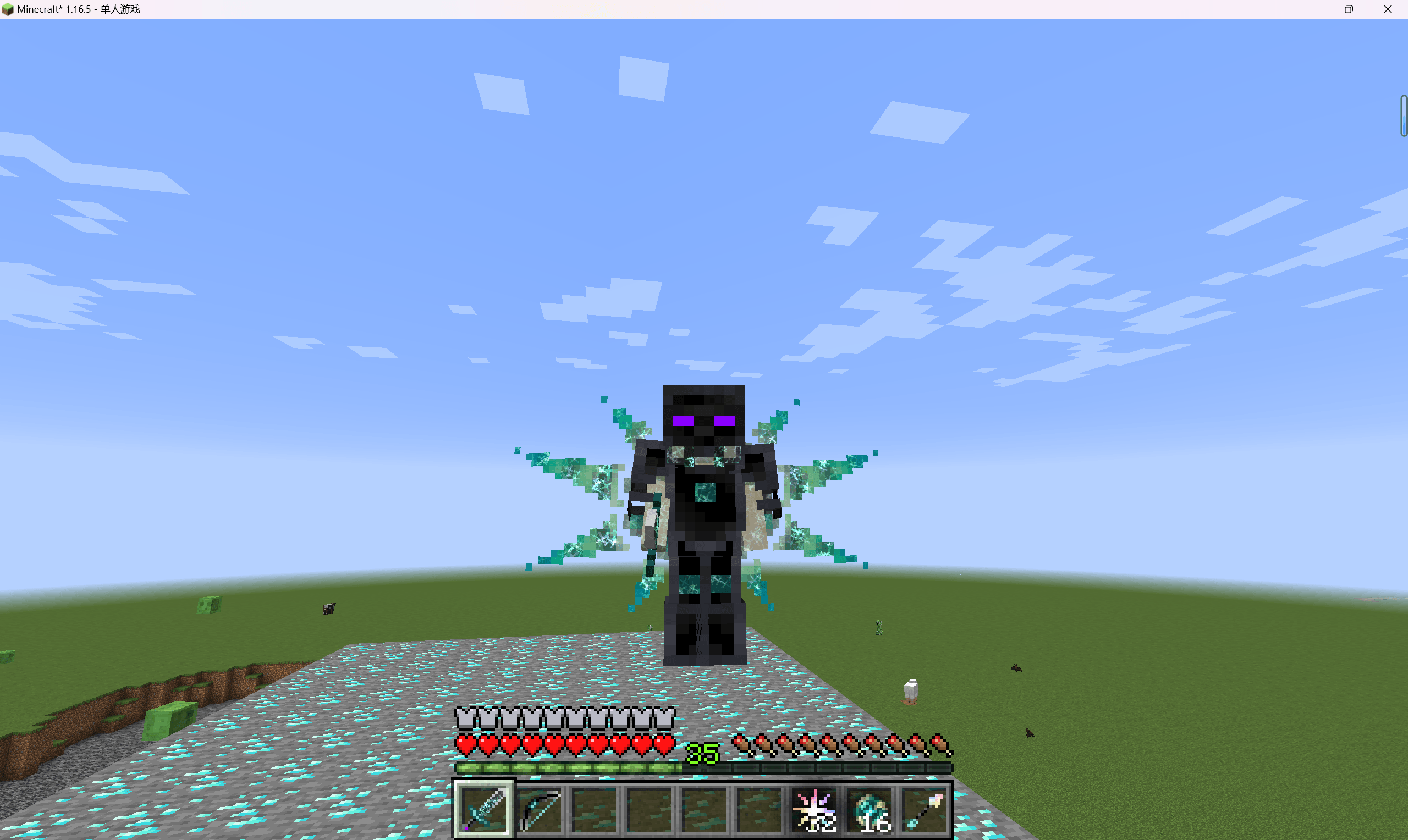
The distance between Minecraft 1.12.2 and 1.20.1 is not just a version number. They represent very different Forge generations, Java expectations, mod APIs, recipe tooling, and project lineages.
1.12.2: mature Forge-era compatibility
Avaritia 1.1x is strongly associated with 1.12.2, an ecosystem known for large, stable expert packs and extensive integration work. Guides for this version usually assume Forge-era dependencies and scripting tools from that generation.
1.20.1: multiple modern implementations
A 1.20.1 search can return modern community Avaritia projects rather than one canonical successor. Loader choice matters more: Forge, NeoForge, or Fabric support can depend on the exact project and release.
Java requirements changed with Minecraft
Modern Minecraft versions use newer Java generations than 1.12.2-era packs. A working Java setup for an old expert pack should not be copied blindly into a modern instance.
Scripts and data are more central in modern packs
Modern projects can expose datapack-style definitions and current scripting APIs. That can make customization more maintainable, but it also means a pack migration may require rewriting recipes instead of simply copying config files.
Do not migrate worlds by swapping jars
A 1.12.2 world is not a direct upgrade target for a 1.20.1 Avaritia jar. Minecraft itself, registries, loaders, APIs, and surrounding mods changed too much. Treat modern play as a new environment unless a specific migration path is documented.
Choose based on the pack you want to play
If you want a classic 1.12.2 expert ecosystem, build around that stable generation. If you want modern Minecraft mechanics and loaders, choose a maintained modern Avaritia implementation and design the pack around its documented APIs.
Related guides
Continue with another focused guide from the Avaritia resource library.